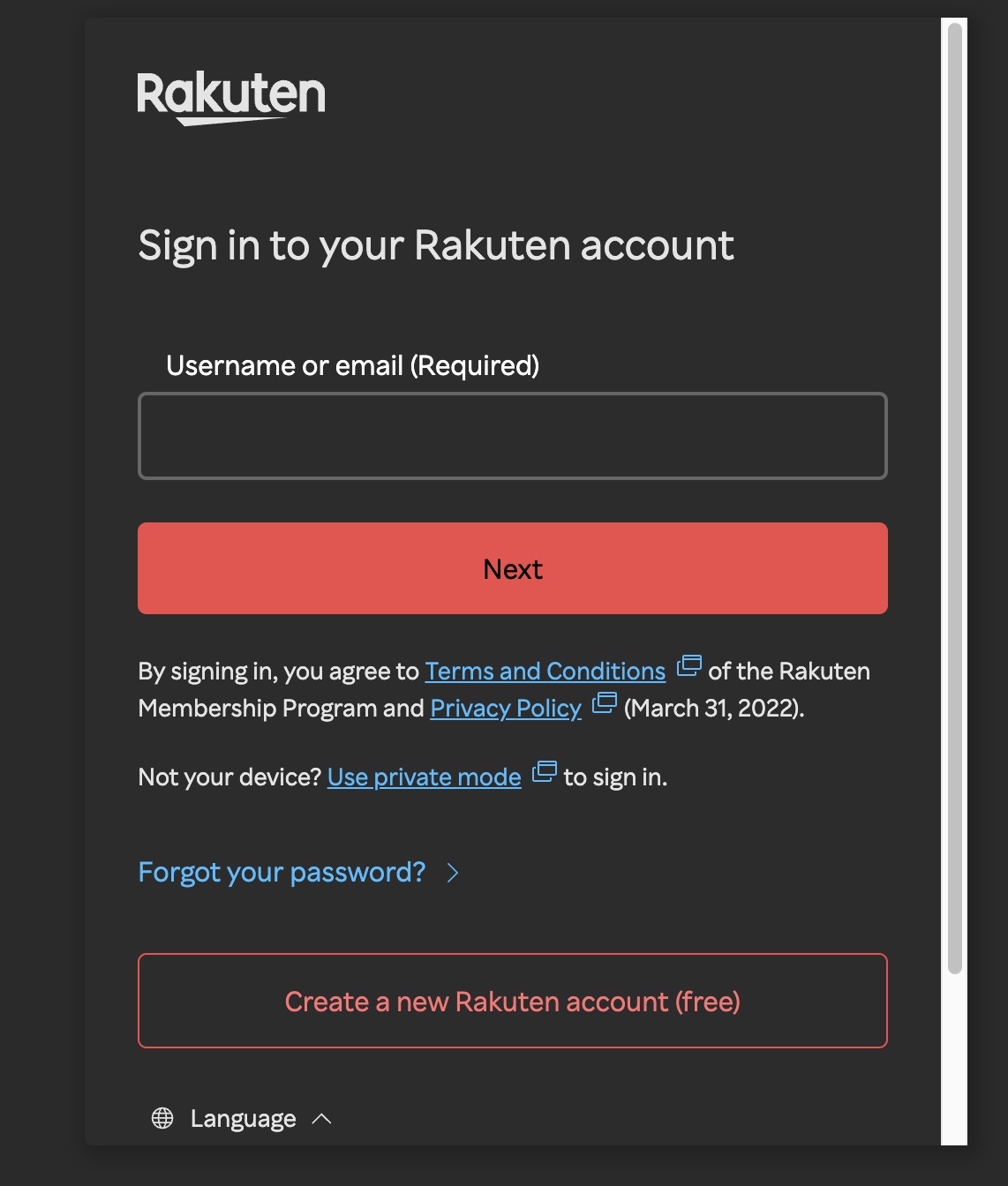
Go to the Rakuten login page and click "Create a new Rakuten account"
Visit any Rakuten service login page. At the bottom, click the pink "Create a new Rakuten account (free)" button to start registration.
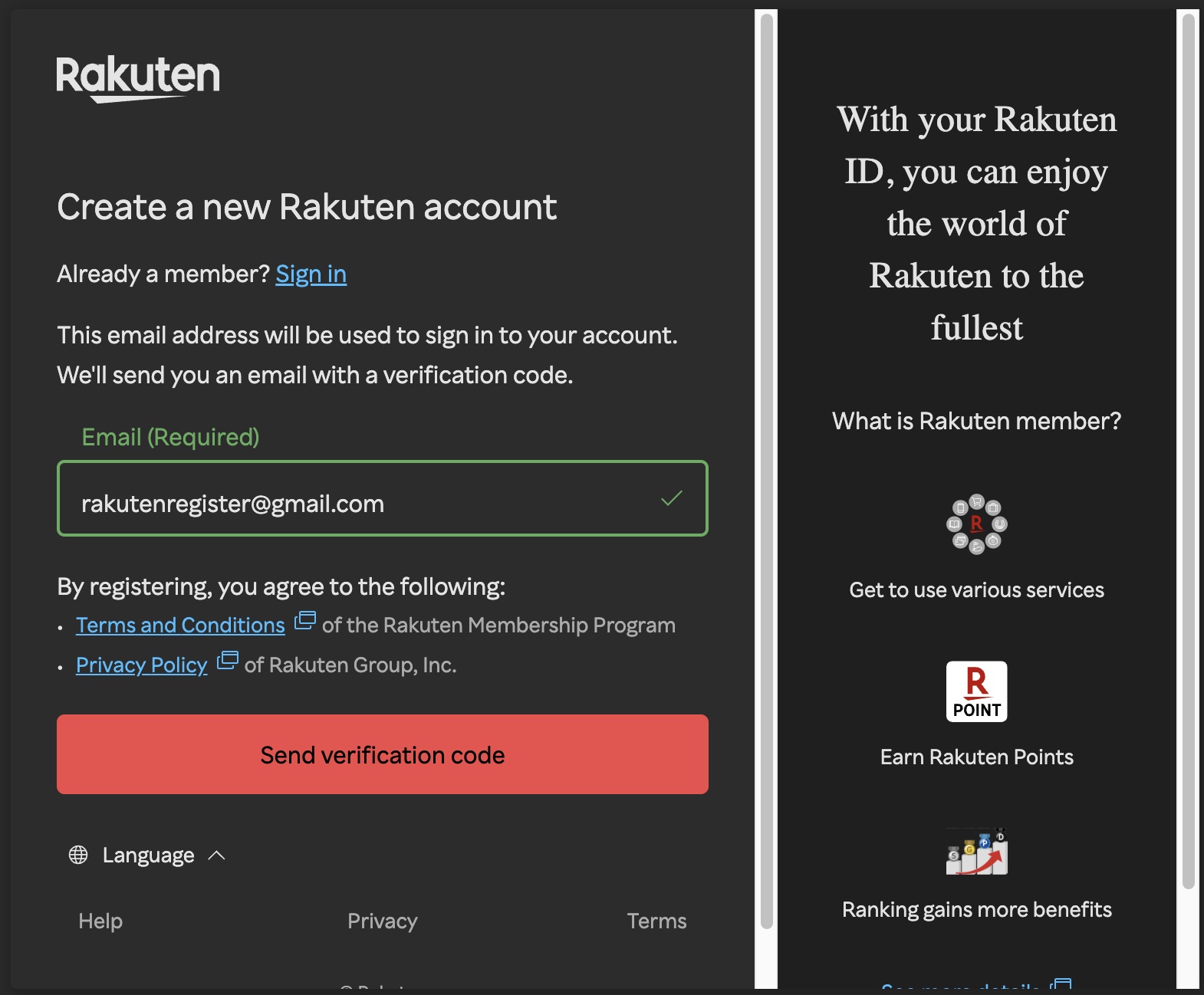
Enter your email address
On the registration page, enter your email address in the "Email (Required)" field. This email will be used to sign in to your account. Rakuten will send a verification code to this address. By registering, you agree to the Terms and Conditions and Privacy Policy. Click "Send verification code" to proceed.
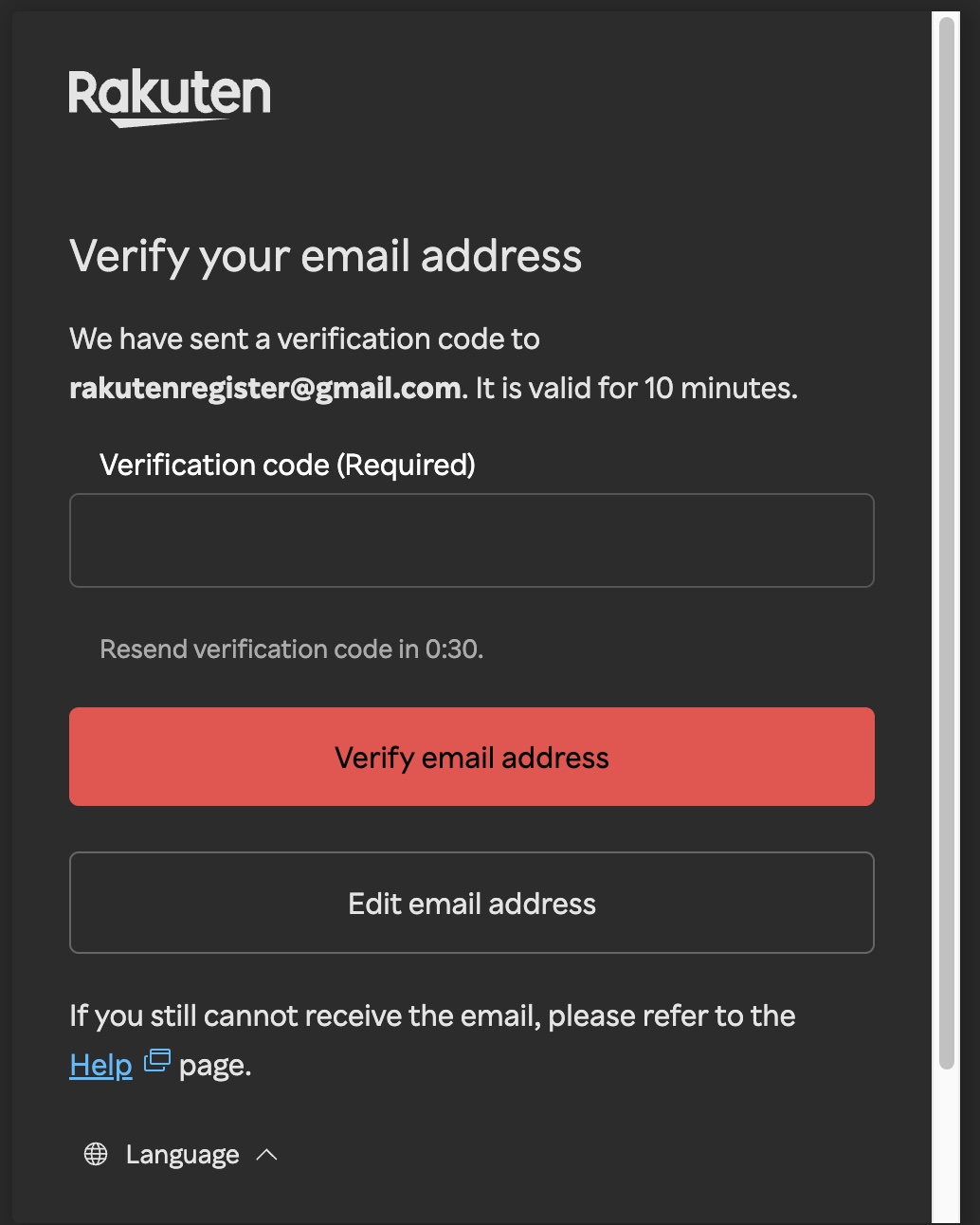
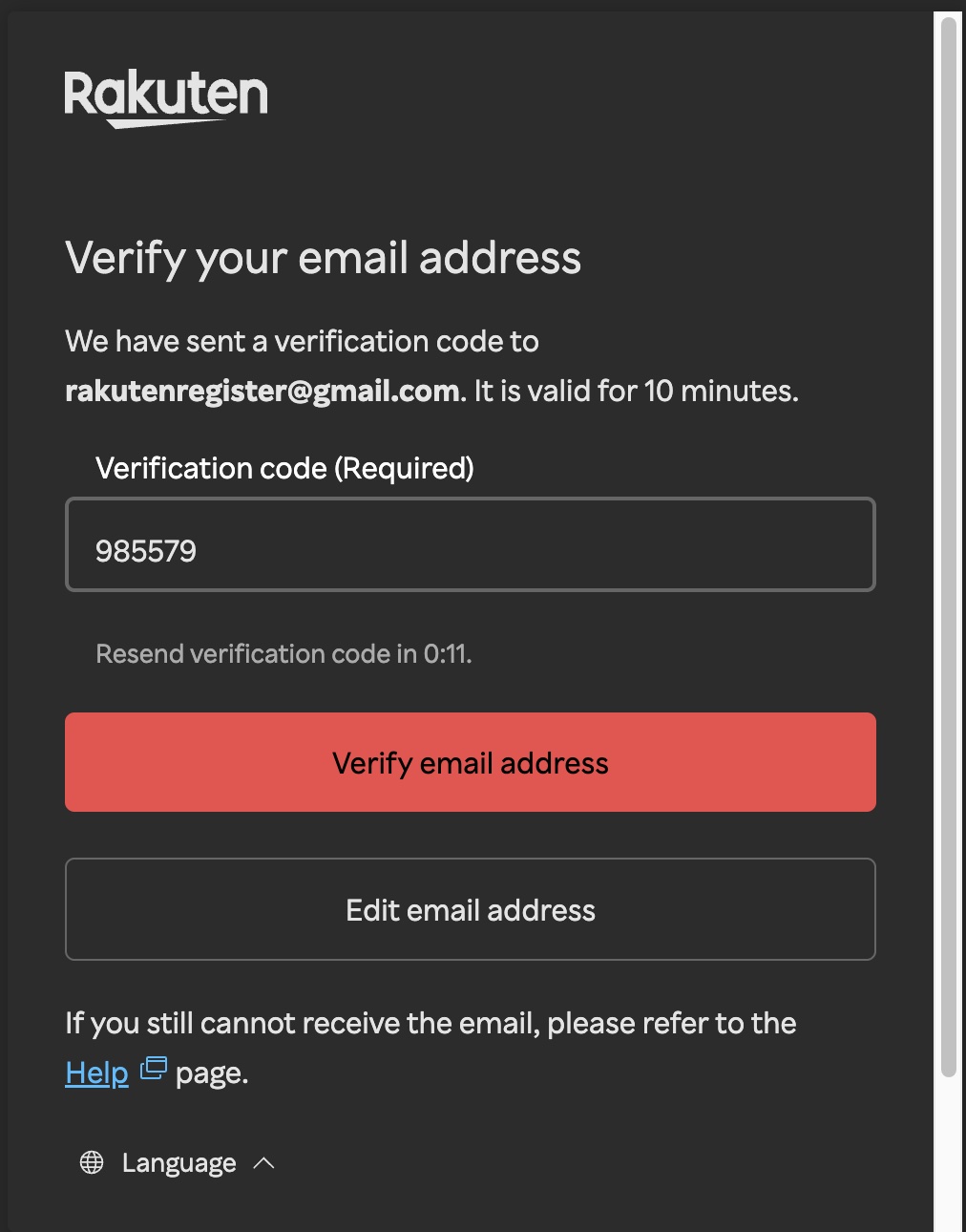
Enter the verification code
Rakuten sends a 6-digit verification code to your email. Check your inbox, find the code, and enter it in the "Verification code (Required)" field. The code is valid for 10 minutes. Click "Verify email address" to continue.
Set your username, password, and name
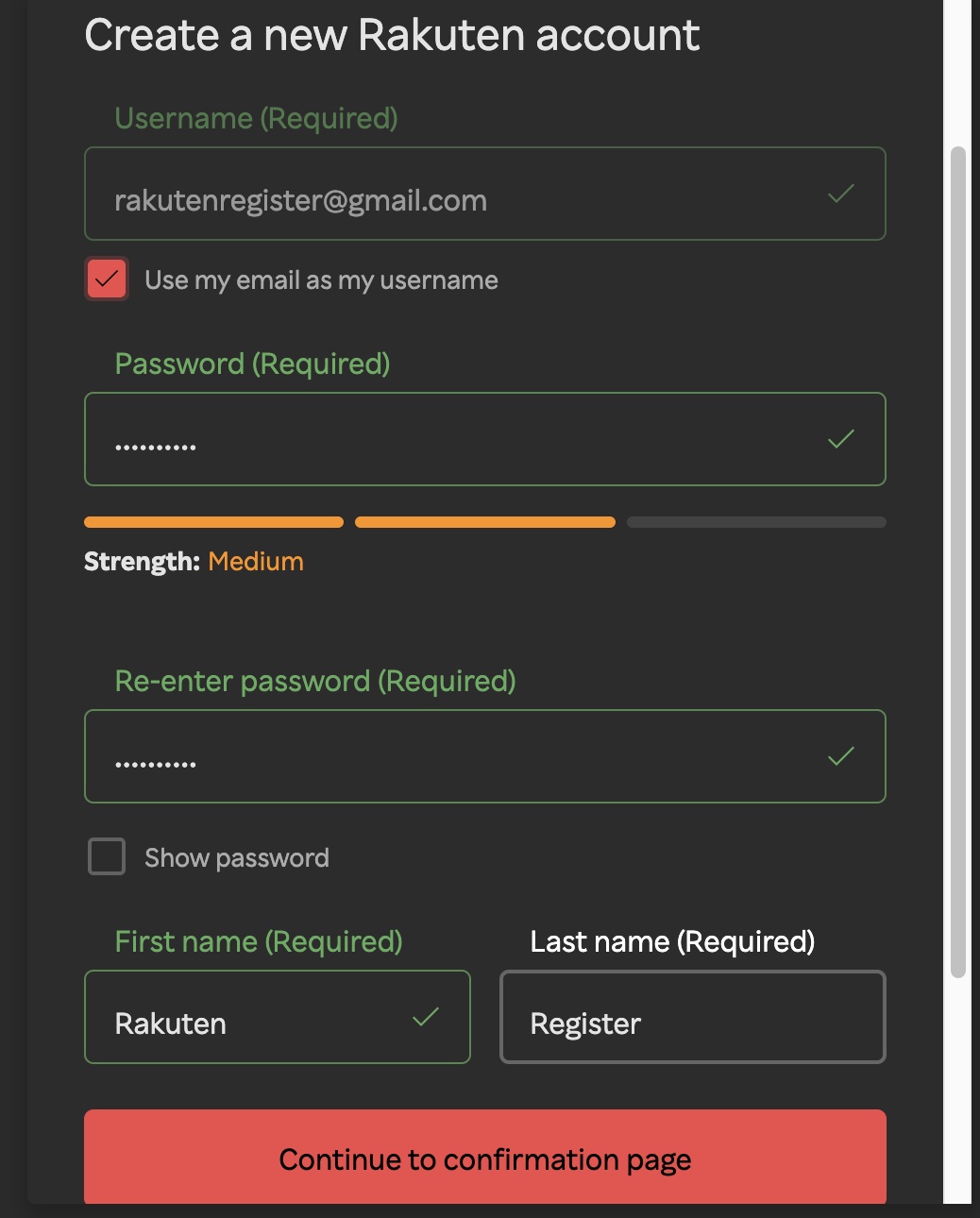
After verification, fill in your account details:
- Username - defaults to your email. Check "Use my email as my username" to keep it simple
- Password - create a strong password (aim for "Medium" strength or higher)
- Re-enter password - type it again to confirm
- First name / Last name - enter your name as it appears on your ID
Click "Continue to confirmation page" when done.
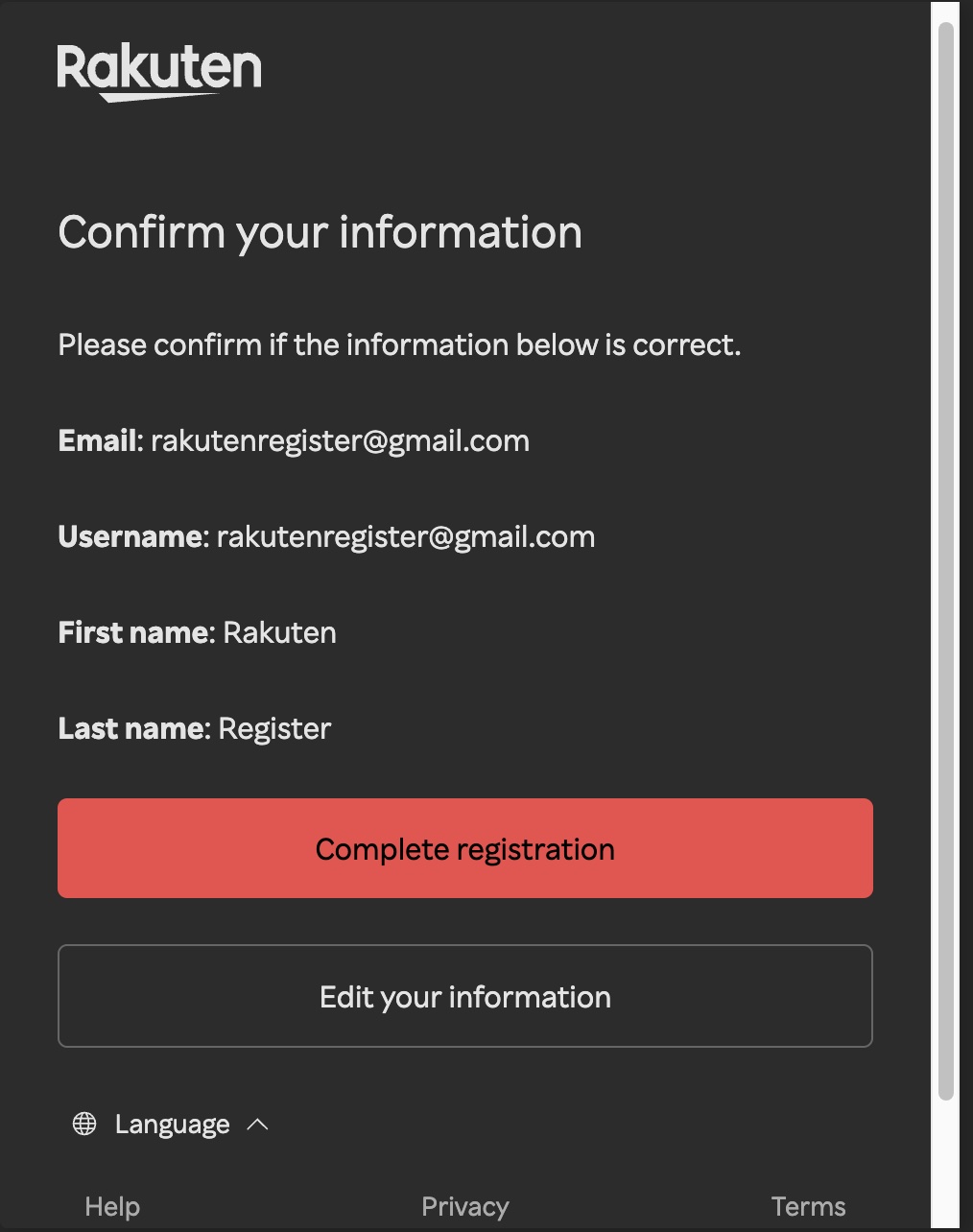
Confirm your information and complete registration
Review all your details on the confirmation page: email, username, first name, and last name. If everything looks correct, click the pink "Complete registration" button. If you need to fix anything, click "Edit your information" to go back.
Registration complete!
Your Rakuten account is now ready. You can use this account for all Rakuten services:
- Rakuten Mobile - sign up for a phone plan
- Rakuten Card - apply for a credit card
- Rakuten Ichiba - online shopping
- Rakuten Pay - cashless payments
- Rakuten Points - earn and spend across all services